Open with Safari
On iPhone or iPad, open this page in Safari. If you are viewing it inside another app's browser, use that browser's Share button and choose Open in Safari.
Setup and test on Safari
This guide walks through the real App Store review path: Safari browser, extension settings, selected tracking text, carrier match review, and manual paste fallback.
On iPhone or iPad, open this page in Safari. If you are viewing it inside another app's browser, use that browser's Share button and choose Open in Safari.
Open iOS Settings, then Safari, then Extensions. Turn on ParcelJump. If Safari asks for website access, allow it for the page where you want to select tracking numbers.
Long-press or drag-select one of the sample tracking numbers below. If iOS shows a Track Shipment action, that is Apple's system action, not ParcelJump.
Use Share... and choose ParcelJump, or open the ParcelJump Safari extension popup. ParcelJump should show a carrier match or carrier choices before opening the official carrier page.
Test data
These values cover global, Japanese, Chinese, Korean, German, and French carrier matching. They are for setup verification only, are not real package history, and ParcelJump does not collect or upload them.
UPS
1Z9999999999999999UPS should appear as a confident best match.USPS
9400 1000 0000 0000 0000 00USPS should appear as a carrier candidate.FedEx
1234 5678 9012FedEx should be available as a manual carrier choice.DHL
DHL waybill 1234567890DHL should appear as a confident best match.Japan / Yamato
ヤマト 宅急便 1234-5678-9012Yamato should be prioritized on Japan-region devices or when Japanese context is present.China / SF Express
顺丰快递 SF1234567890SF Express should be prioritized on China-region devices or when Chinese context is present.Korea / CJ Logistics
CJ대한통운 운송장 123456789012CJ Logistics should be prioritized on Korea-region devices or when Korean context is present.Germany / DPD
DPD Sendungsnummer 12345678901234DPD should be prioritized on Germany-region devices or when German shipment context is present.France / La Poste
La Poste suivi XX123456789FRLa Poste should be prioritized on France-region devices or when French context is present.Manual fallback
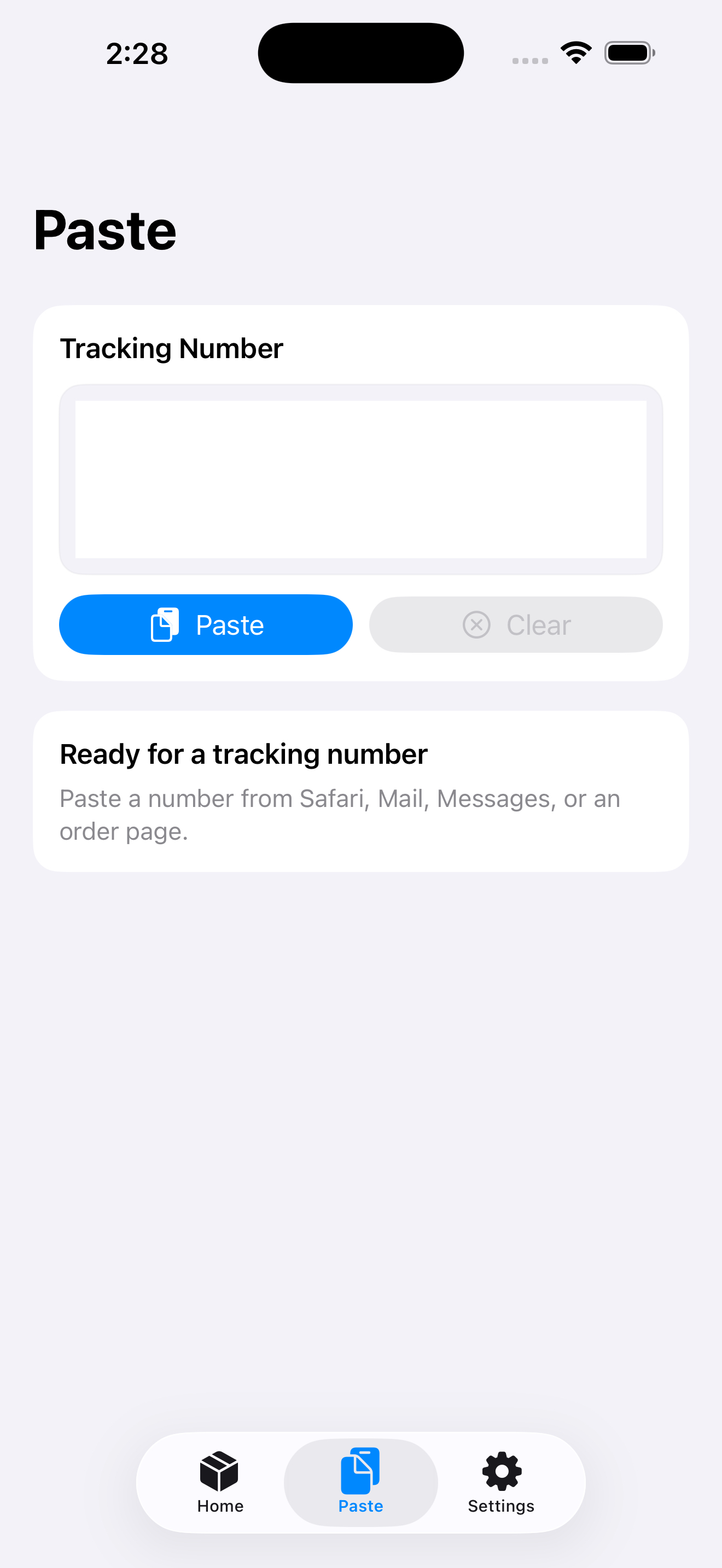
Some websites block text selection. Copy one sample number, open ParcelJump directly, go to the Paste tab, and paste the number. The same carrier review screen should appear.